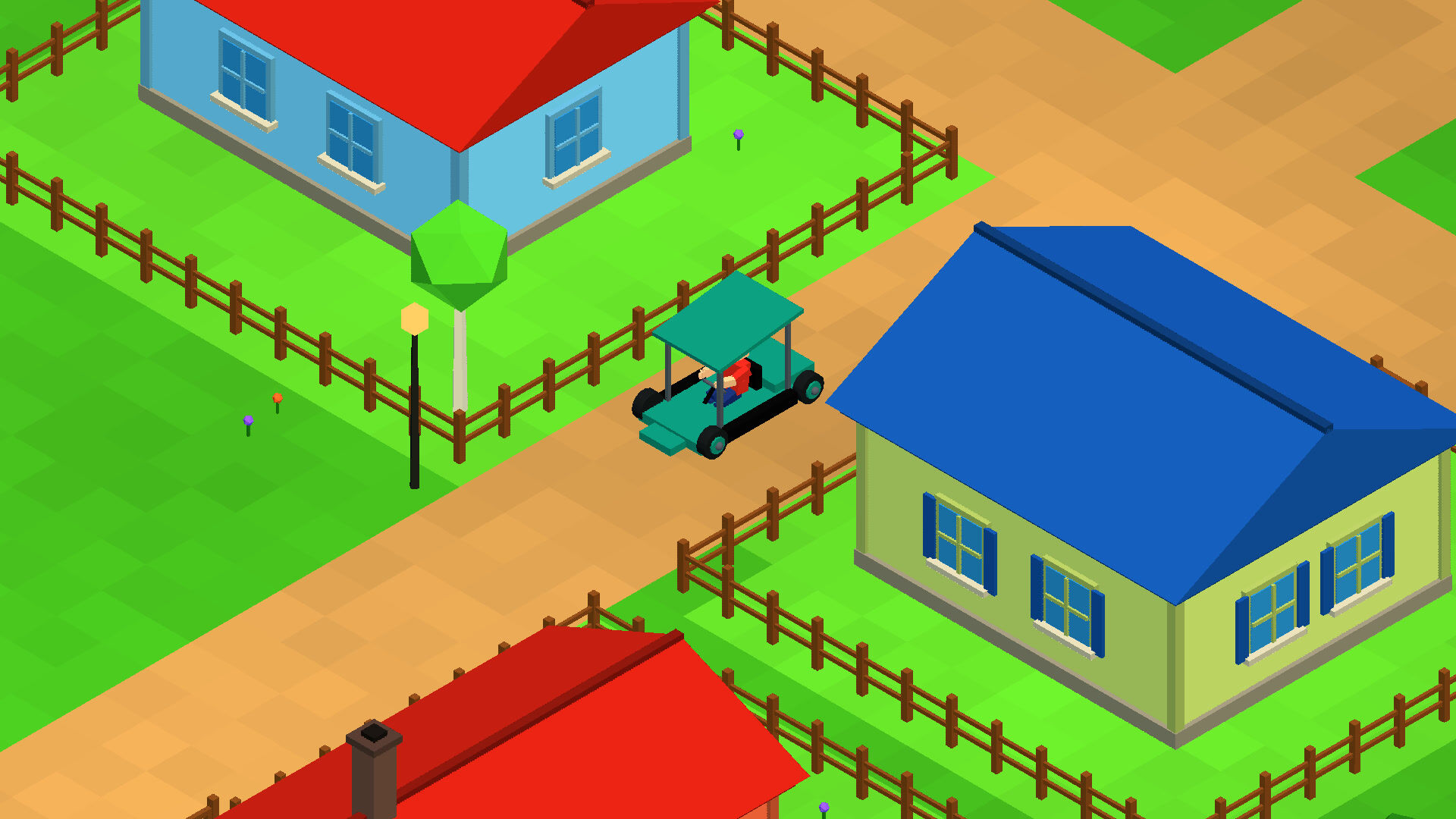


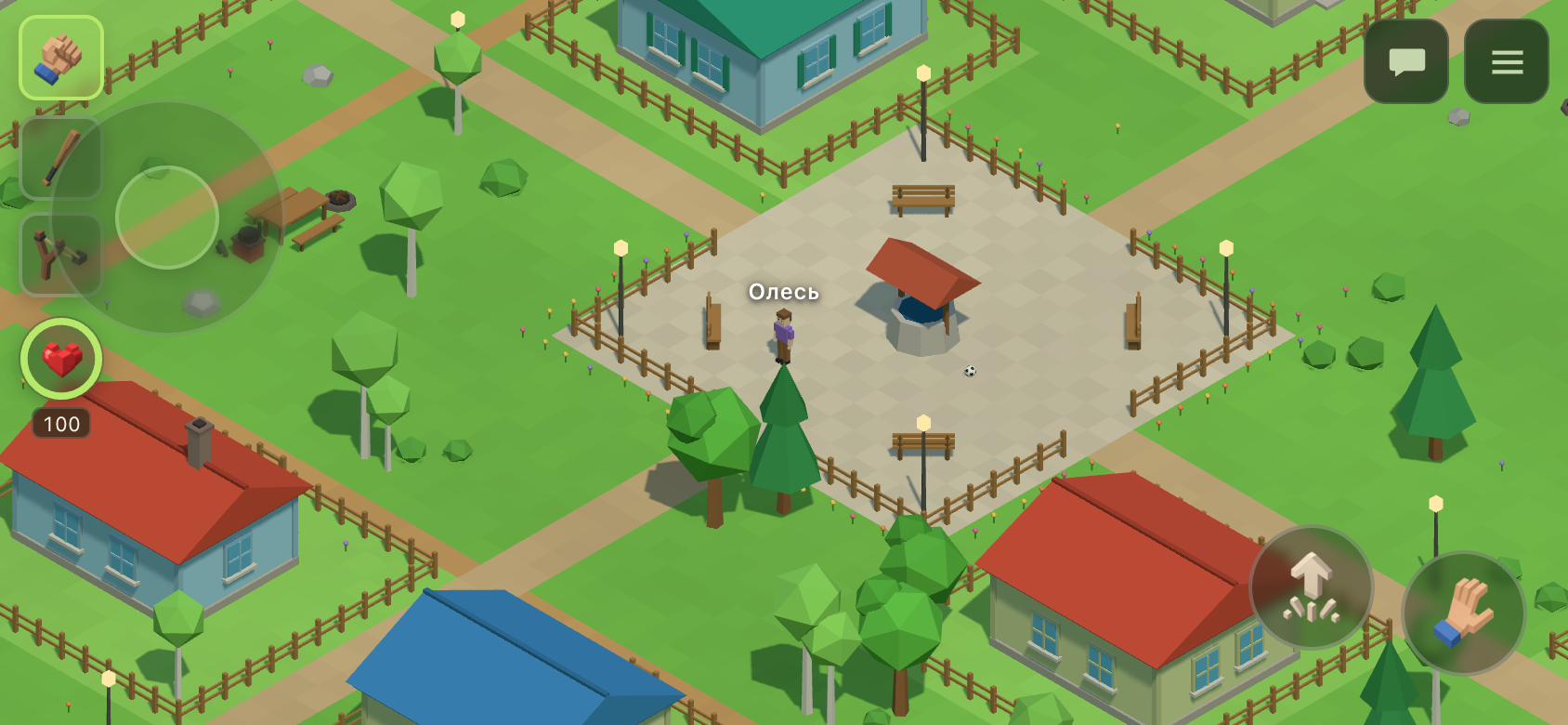
The game now works fully on a phone: a stick under the left thumb, a strike by touching the screen and zooming with two fingers. Below are the decisions that make the mobile version feel like its own thing rather than a squeezed desktop one.
Mobile mode is not decided by screen width
A phone in landscape orientation is 956 pixels wide, while a tablet in portrait is 744, so width does not tell them apart. The question that actually matters is different: does the device have a keyboard and a mouse. If it does not, the stick and the menu remain the only way to play, and that is exactly what is checked, in one place in the code.
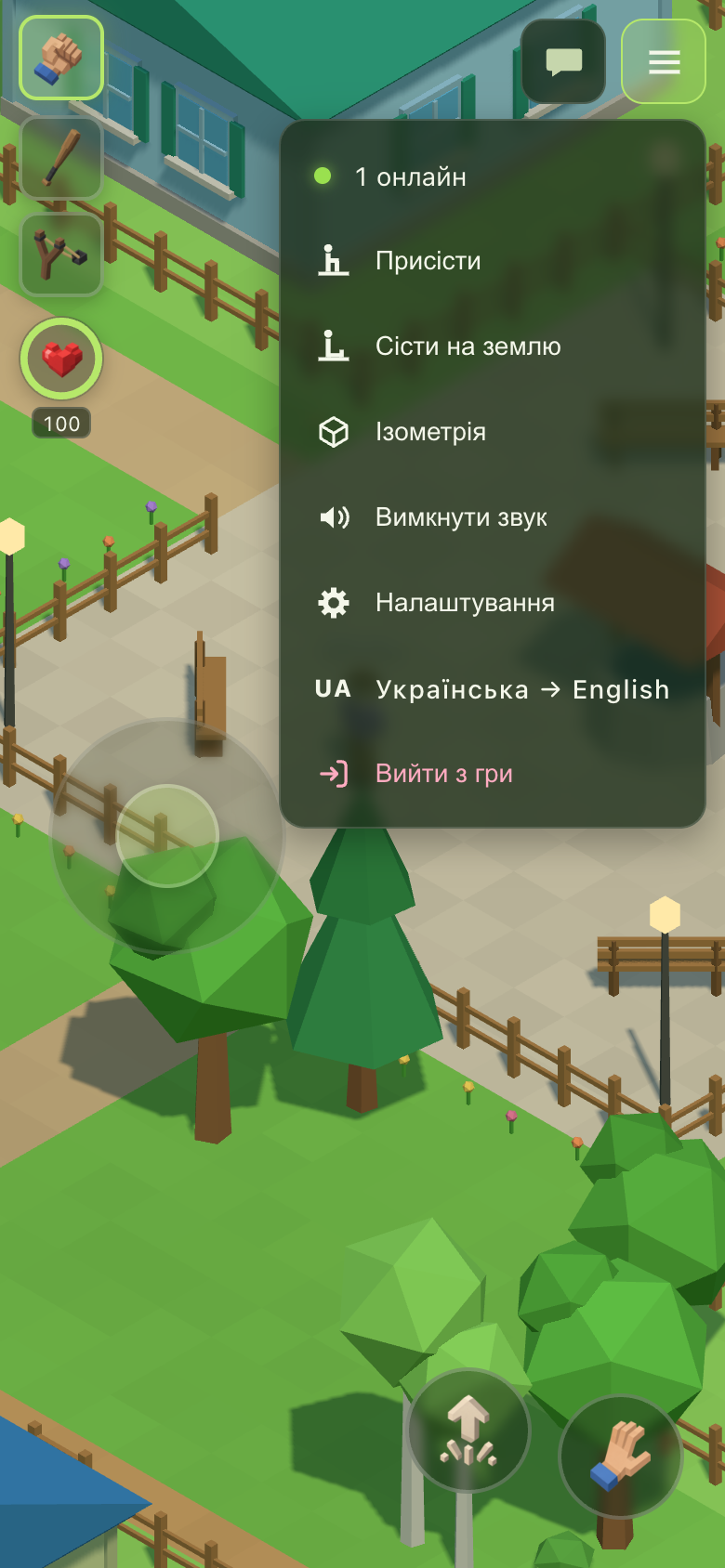
At the same time every mention of a key a phone does not have disappeared from the interface: the digits under the weapon slots, the “(Q)” hint and the “Enter — chat” line. The newcomer tour split into two, a desktop one and a touch one.
The stick measures from the thumb
The stick measures the deflection from the point where the thumb touched the glass, and does not move that point inside its own zone. The first version did move it, so that the drawn ring would not hang off the edge of the screen, and because of that a touch near the edge immediately produced full deflection, and the character sprinted off under a motionless thumb. Now only the ring is kept within the screen, not the reference point.
A strike by touching the world
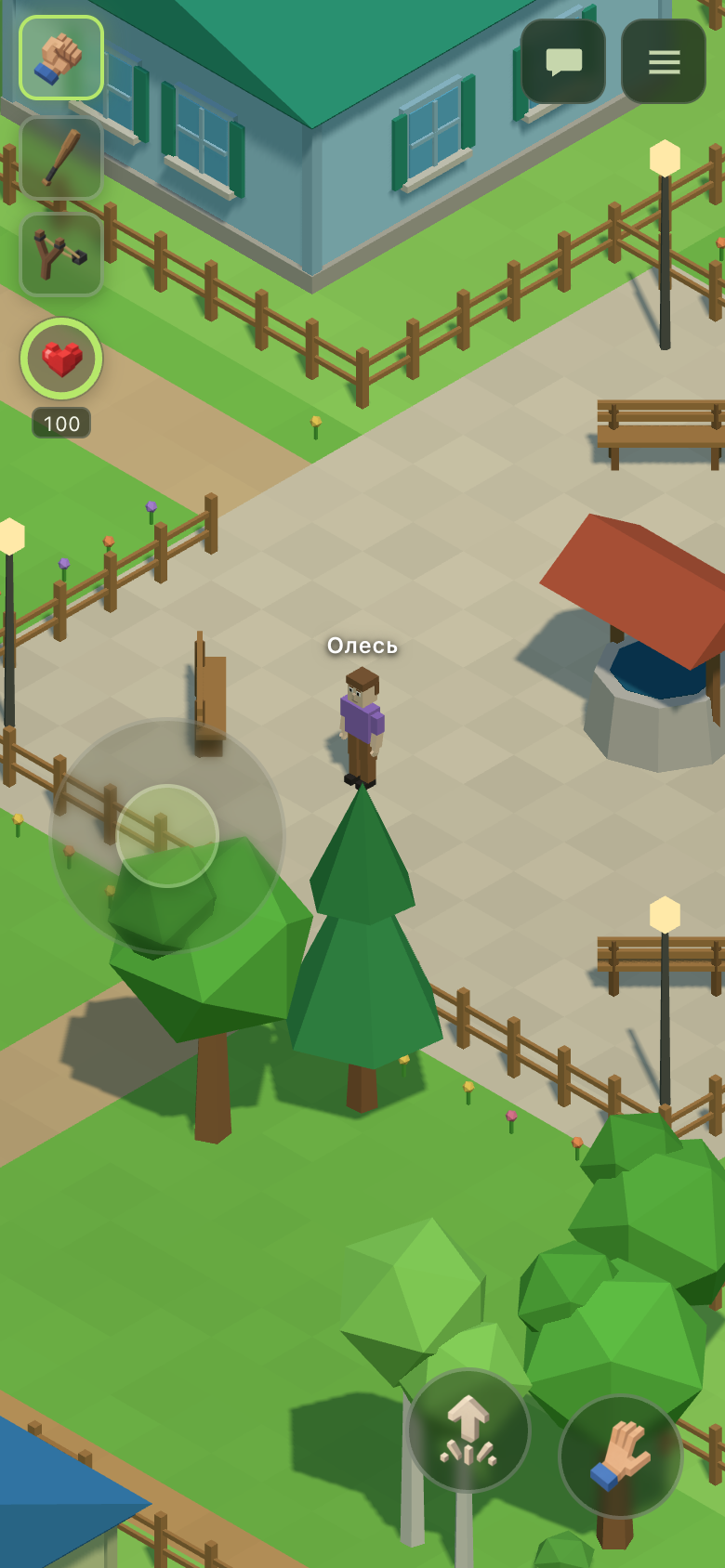
At first there was a separate strike button 74 pixels across. Hitting it with the same thumb that steers is inconvenient, so the button was removed: a short touch on the world is now the strike, and the place of the touch is the aim point. In the isometric view the press immediately puts the reticle under the finger, and the character turns towards it from the moment of contact, so the blow lands exactly where the screen was touched.
Whether it was a short touch or a hold for aiming is decided at the moment of release, on the same arrangement as the right mouse button on a computer. The allowance for finger movement is ten pixels rather than the six used for a mouse: a cursor stays where it was put, while a thumb rolls on glass, and six pixels would classify half of honest touches as drags.
A tablet is identified by its first touch
iPadOS requests the desktop version of a site by default, and in that mode no capability check distinguishes an iPad from a laptop with a touchscreen, not even in principle. So the question is settled by the first real input: a single event of type “touch” puts the interface into touch mode, and a mouse switches it back, which means a hybrid device follows the hand being used.
The page no longer zooms
Players were accidentally enlarging the interface with a pinch and did not know how to get back. Page zoom is now disabled, and three separate refusals were needed for that, because no single one of them is honoured by every browser. The difficulty was to forbid page zoom without disabling scrolling in the chat and the settings, and without affecting the game’s own two-finger camera zoom, which works as before.
Pull-to-refresh was disabled as well: in a mobile browser that gesture means a reload, which used to cost the player their session.