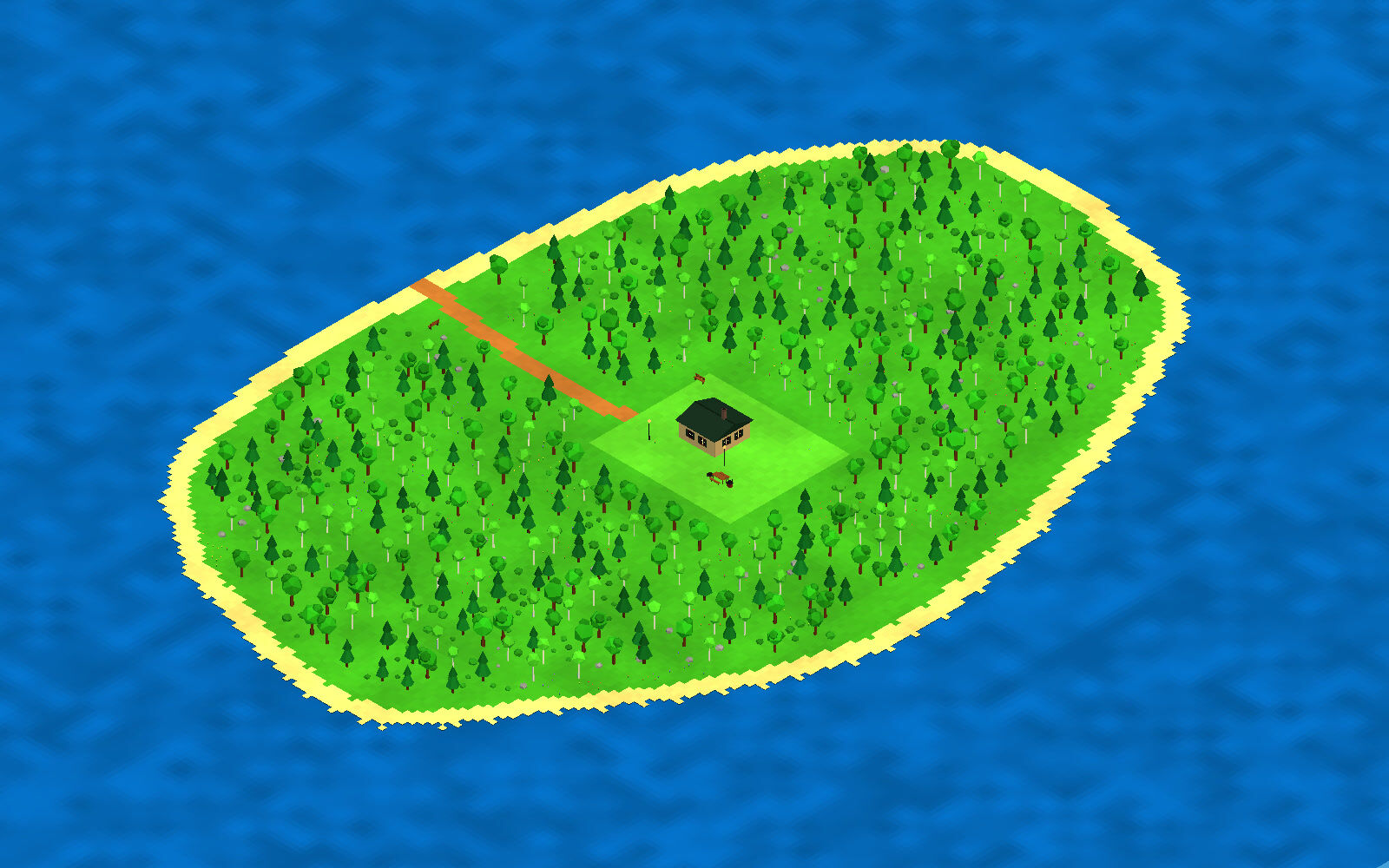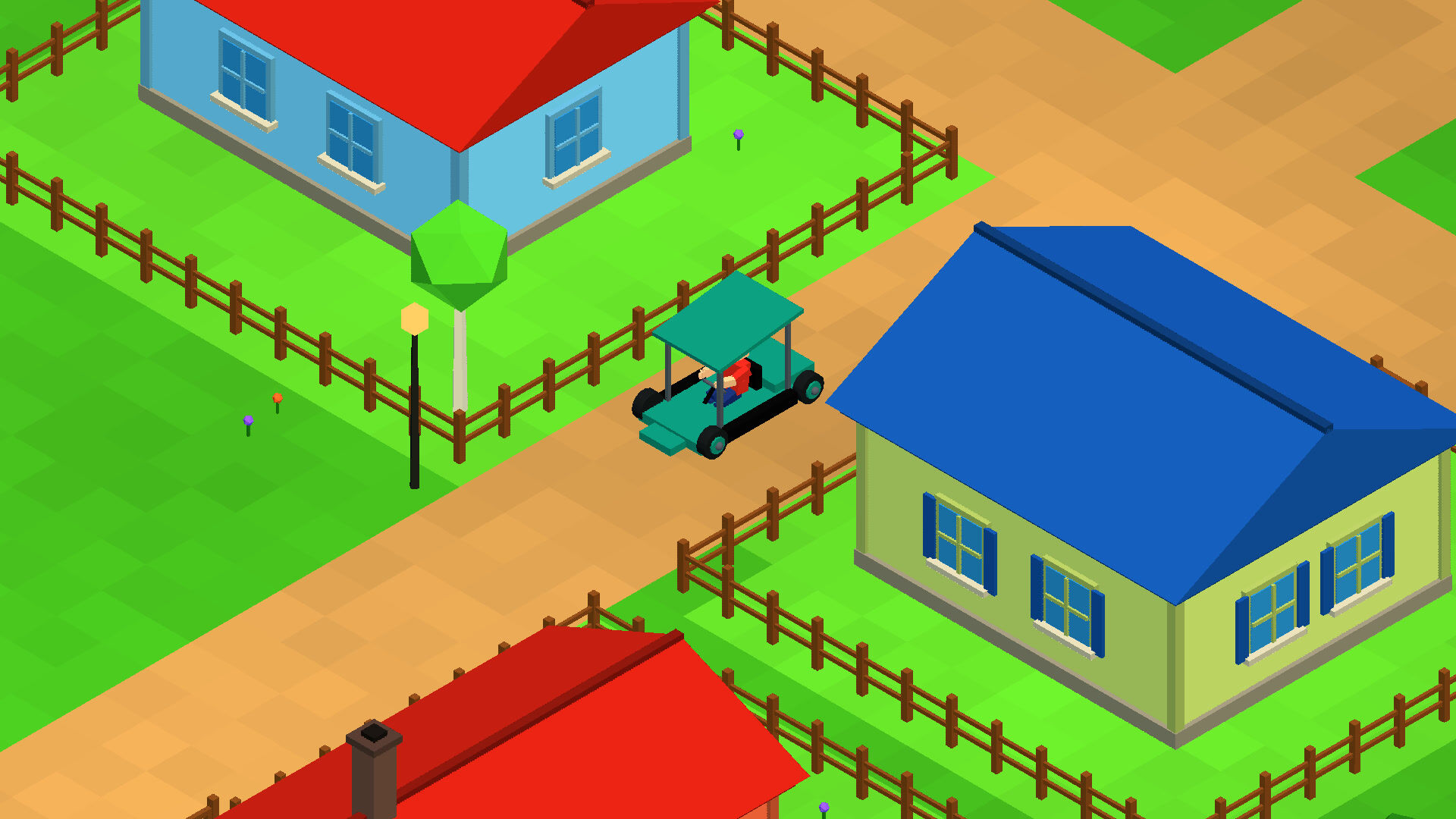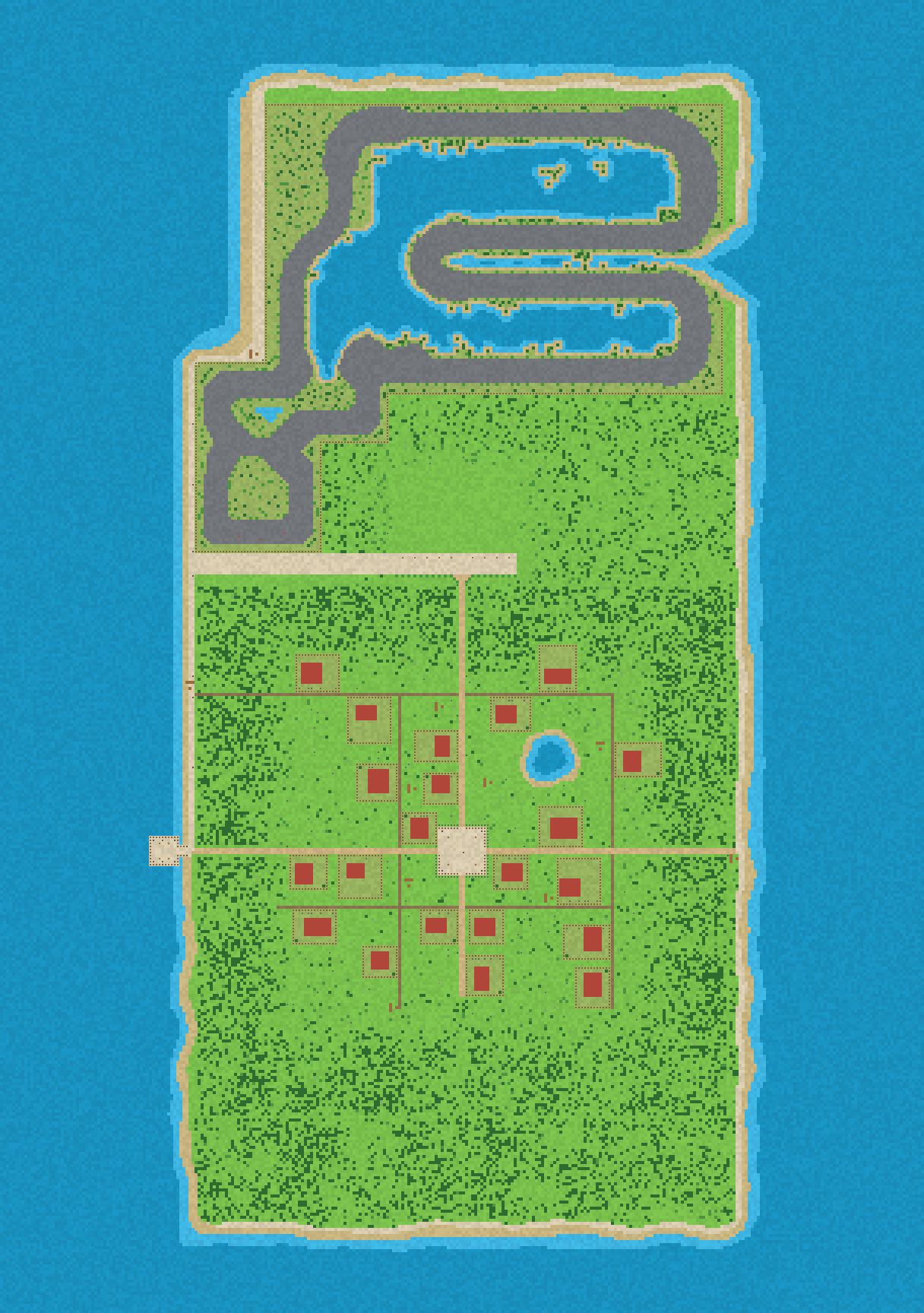


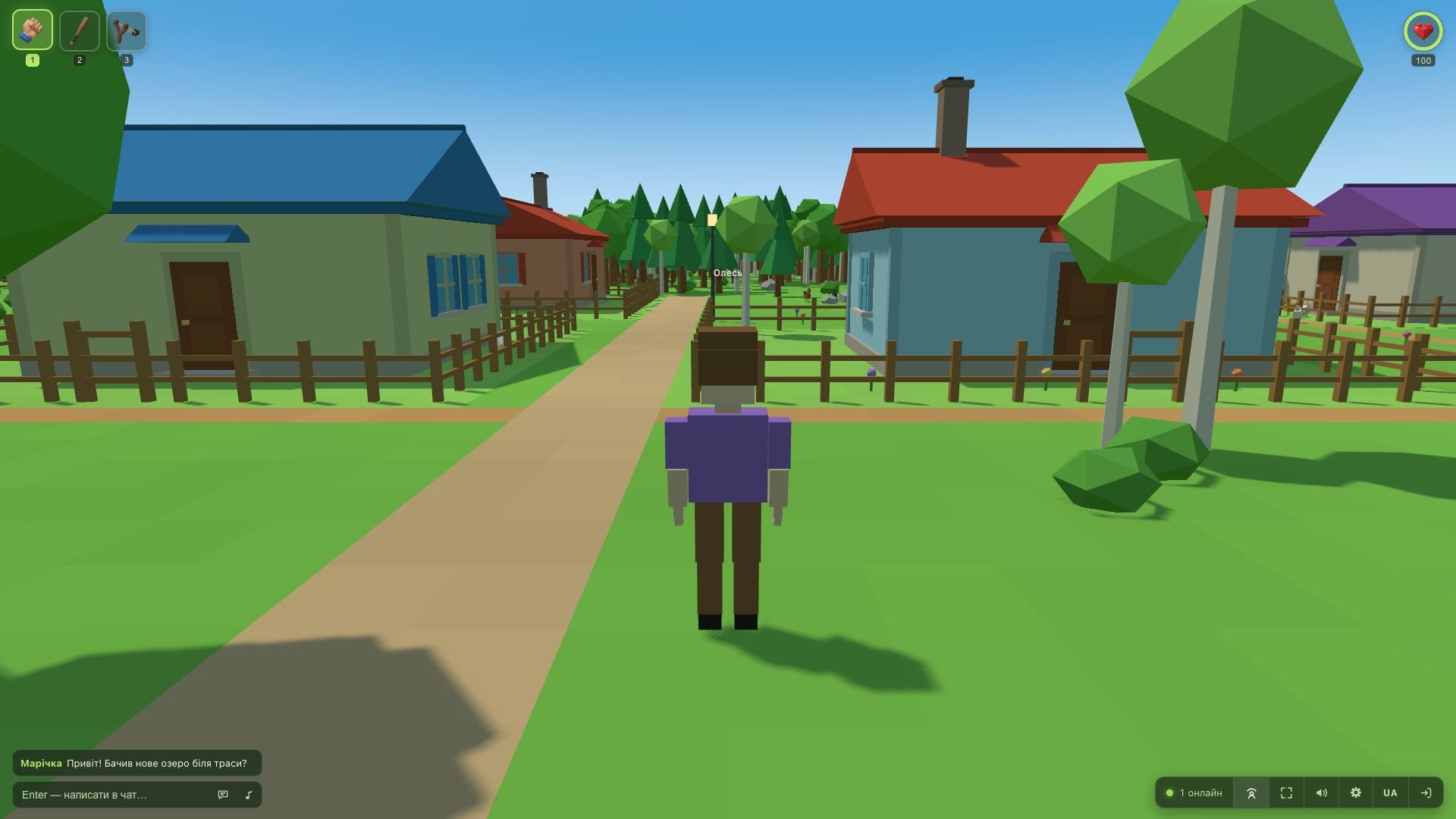
A day after the launch the first large update went out. Several parts of the game changed at once: the ways the character moves, the camera, the look of the village, and the mechanism that delivers updates.
Three movement modes and two ways over a fence
Sneaking on the C key now works as a toggle rather than a held key, and Shift takes the character straight from sneaking into a run.
A fence can be crossed in two ways: vaulted at a run, or climbed with E after walking right up to it. The first way is faster but needs momentum, the second works from a standstill.
The server checks both on its own: it recalculates the crossing from the position it sees itself and rejects anything it cannot reproduce. While the character is crossing, the movement is predetermined on both sides, so the landing always matches and no position correction is needed.
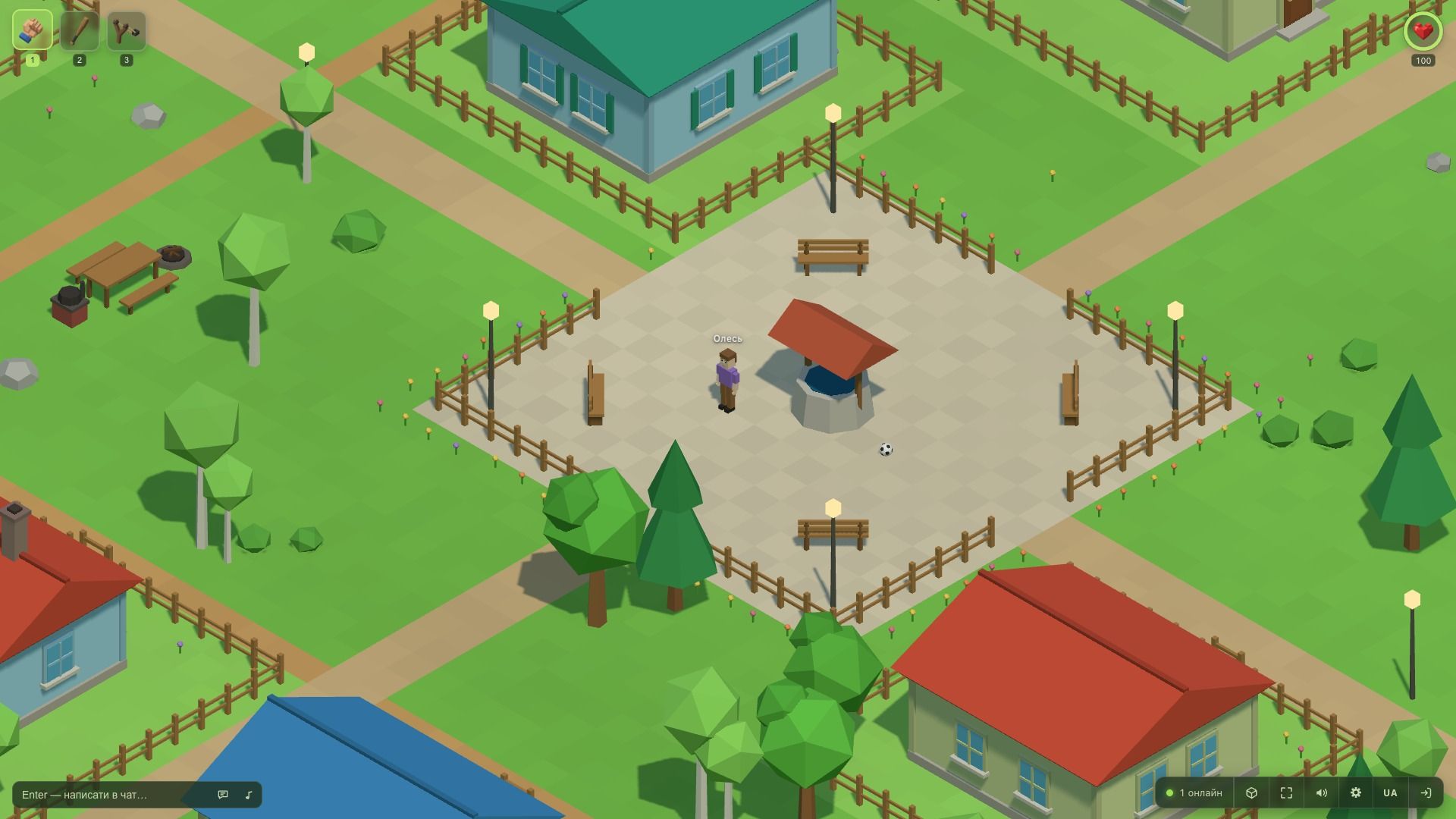
Three cameras on the Q key
The Q key cycles through the views: isometric, over the shoulder, and first person. The switch is not instant, the camera flies the distance between positions.
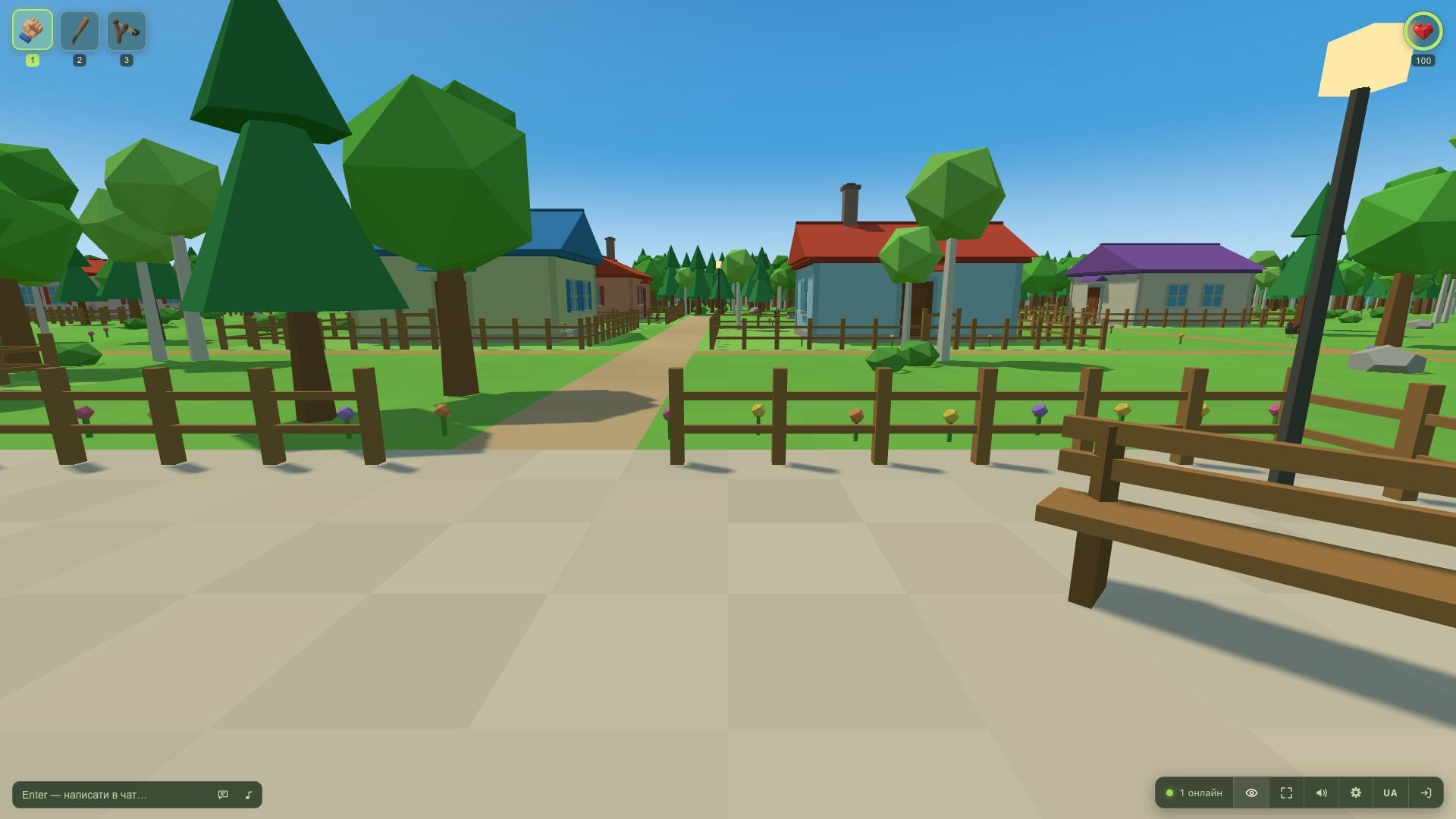
The first-person view is effectively the character’s eyes, read off the rig. Crouching, the dip of a running stride and the tilt of the body while climbing therefore reach the camera automatically, without separate settings.
A sky and a sun were added for the two close views. The direction of the sun is taken from the same vector that sets the scene lighting, so the disc in the sky and the shadows on the ground cannot disagree. Objects that block the character from the isometric camera dissolve in a soft circle.
Pathfinding and benches
A right click on the ground sends the character to the chosen point: the route is laid over the collision grid, around houses, fences and trees. If the destination cannot be reached, the game reports it instead of leading the character into a dead end.
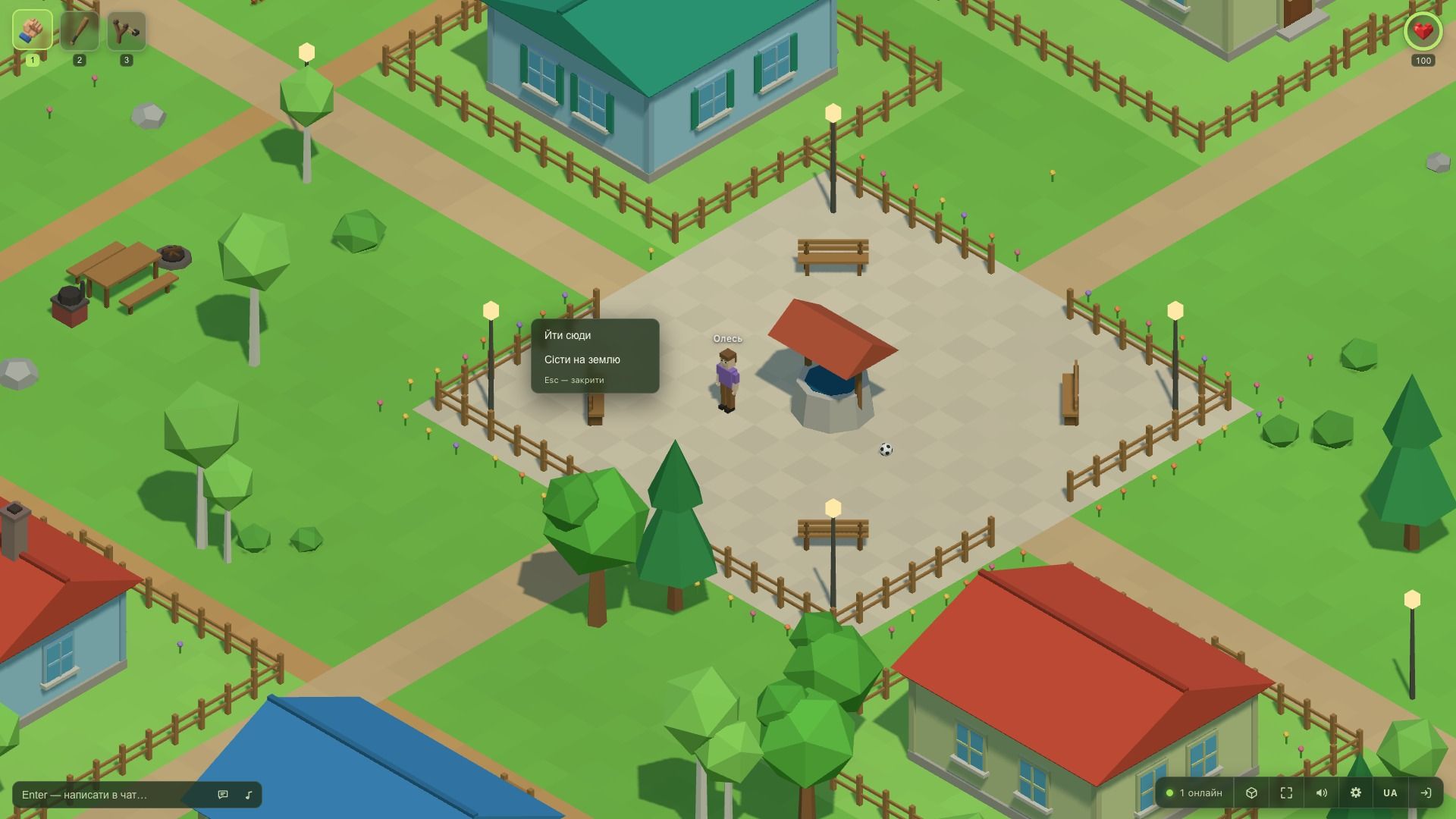
Benches are read directly from the map rather than listed in code, so new benches start working as soon as they are added. To sit down it is enough to walk up and press E, and each bench has two seats.
A brighter village
The old palette made a sunny scene look overcast, and the largest contribution to that came from the almost black plane beyond the edge of the map. The colours are lighter now: the ground, the houses, the vegetation and the characters’ clothing.
Houses gained a plinth, corner posts, framed windows with sills, a door with a canopy, and chimneys that are now taller than the roof ridge. Clearings with tables, benches and grills appeared on the open ground.
Updates without leaving the game
Previously an update on the server stayed unnoticed by anyone already playing, and reloading the page returned the player to the sign-in form. Now the server tells every client the build number, and after an update the connection restores itself.
If a tab has gone stale, the game offers to reload, and that offer can be postponed. A forced reload was kept only for the cases where the old version would render a different world than the one the server validates.
The session is restored as well, so after a page reload the player ends up in their own place rather than at the sign-in form.
Along with this update the project got its first set of automated tests, which check the movement mechanics and the behaviour of the server.